Gutenberg block development
Custom Gutenberg blocks that give your editors ready-made sections with the right structure and accessibility already in them, so they build pages without a page builder or a developer.
- Blocks that save their settings, with markup produced by PHP when the page loads
- A small set of components, each limited to options a designer approved
- Structure and accessibility built into each block
- Editor panels and tooling where your workflow needs them
What a block library changes for your team
The design question behind a block library is how much freedom to give. Too little, and editors paste in HTML or wait for a developer. Too much, and a few years later the design system survives only in the original mockups. A well-judged library gives editors freedom in how blocks are arranged and very little in how each one looks.
-
Editors stop waiting for developers
New pages, sections and campaigns are built by the communications team. That is where the running cost of a site usually hides.
-
The design holds
Years and many pages later, the site still looks like one site, because the components allow nothing else.
-
Accessibility is built in
Heading order, landmarks, keyboard behaviour and focus handling live in the component. Editors cannot produce an inaccessible version of a pattern by accident.
-
One fix reaches every page
Markup is produced when the page is requested, so a correction applies to every page that uses the block, including pages published years ago.
-
Content you can move
Blocks save structured settings rather than markup, so content can be re-rendered, re-themed or migrated without digging HTML out of the database.
-
Fewer plugins
One block library covers what a stack of layout, slider, accordion and banner plugins would otherwise do, with a single codebase to maintain.
The parts of a custom block library
Layout blocks
A small set of section and grid blocks that hold the spacing and container rules, so every page keeps the same rhythm and editors never choose padding values.
Content components
Headings, cards, feature lists, galleries, contact prompts and FAQ accordions with their structured data. Each one produces correct, accessible markup.
Dynamic blocks
Blocks that query content or fetch data from an integration when the page is shown, such as project grids, directories, filtered listings and live data. Editors configure them and code renders them.
Patterns and templates
Ready-made arrangements for the page types your team builds again and again, so a new landing page starts from something correct.
Editor sidebar panels
Panels for the metadata and workflow a project needs, such as SEO fields, publication settings and per-page data, inside the editor instead of a separate admin screen.
Editorial guardrails
Locked templates, rules on which blocks are allowed, and required fields where structure matters, so the correct page shape is the default.
Blocks rendered on the server
Each block saves its settings, and PHP produces the markup when the page is requested. It costs a little more at the start, and it lets the whole site’s markup change in one place.
A fix to a heading structure, an accessibility correction or a new design token reaches every existing page. No editor has to touch anything, and no database migration rewrites saved content.
- Narrow, composable blocks with the options a designer approved
- Code written to WordPress coding standards, in version control you own
- Each phase estimated in writing before it starts
A senior lead designs the library around your editors and builds it with the team.
Block          wplook/card
title          Content models
text           Post types, taxonomies and fields…
Saved HTML     none, render.php builds it
Building an editorial system for your team?
Tell us who edits the site and what they need to build without help. We design the block library around that answer, and it is the part of a build that keeps paying back for years.
Tell us about your projectBlock libraries running in production
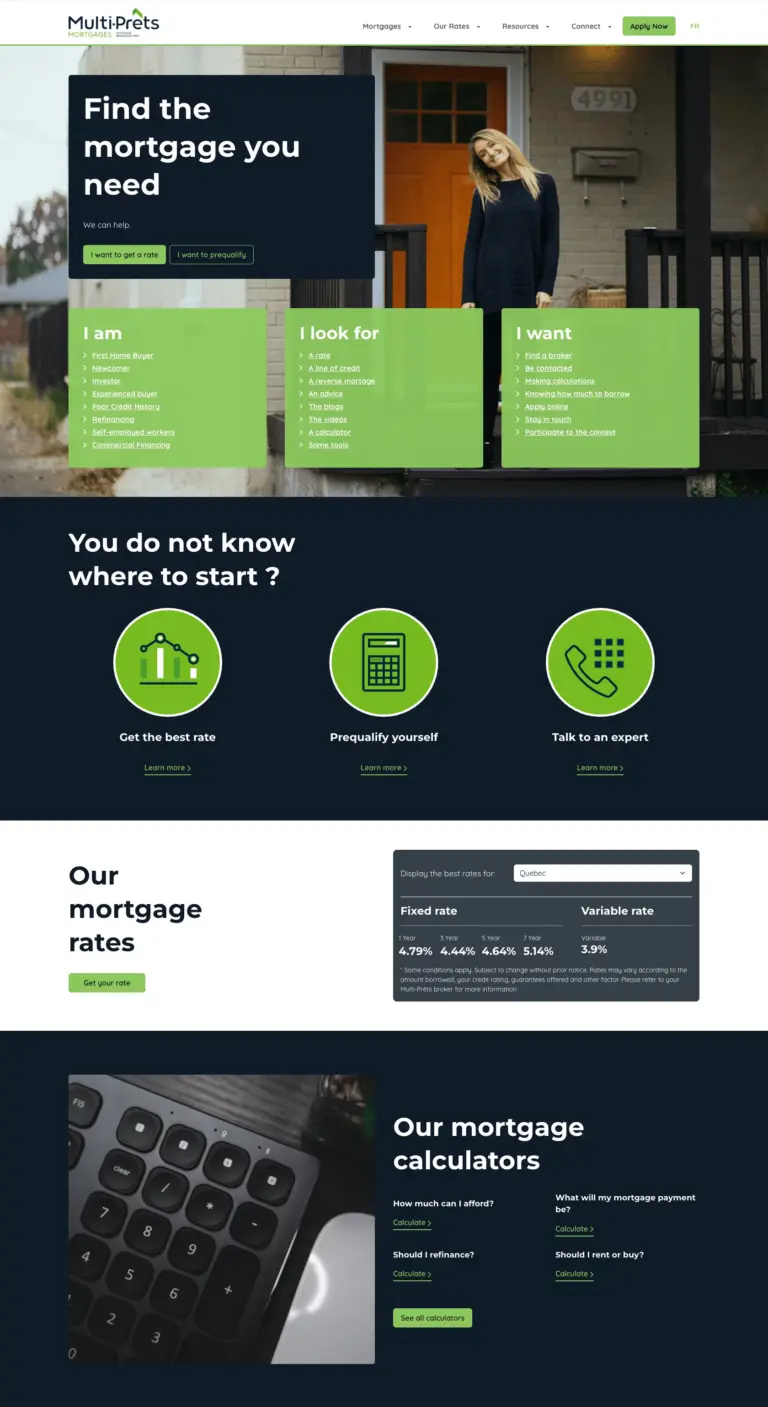
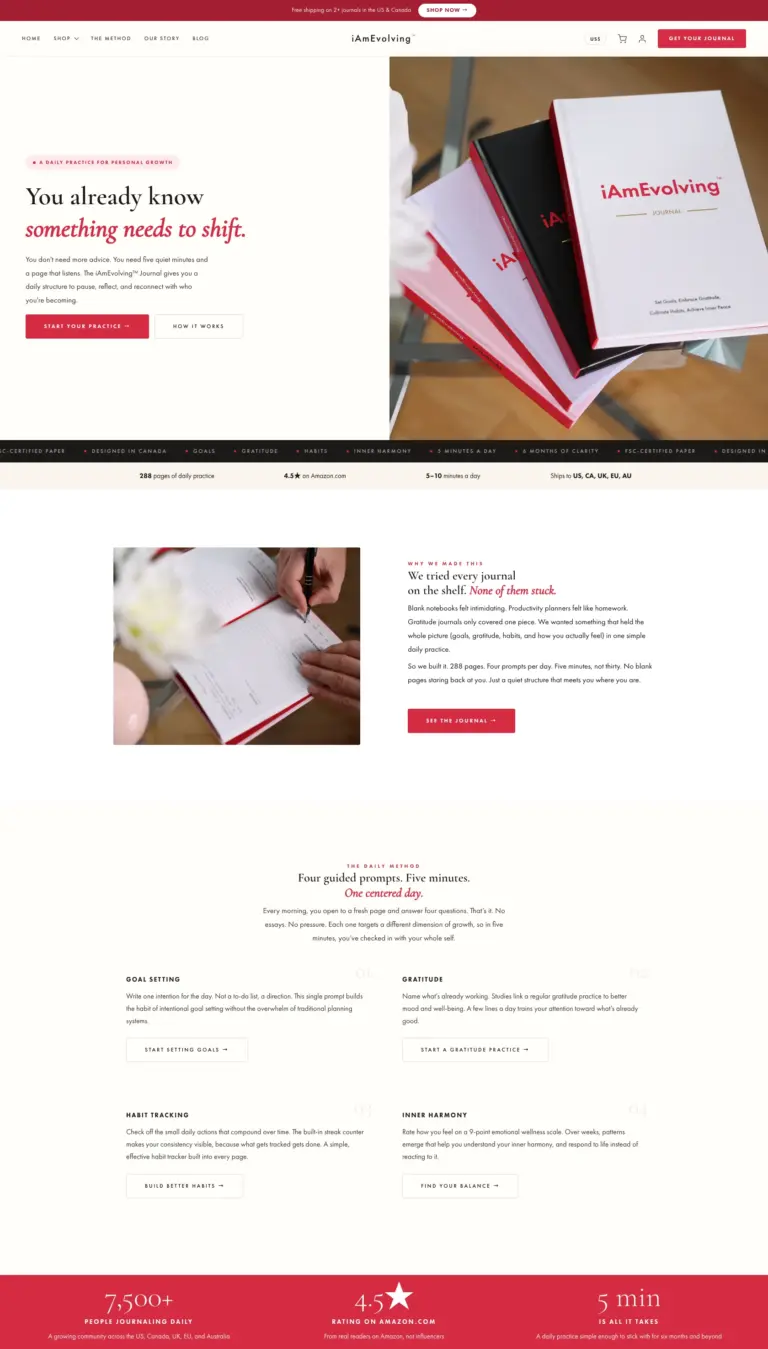
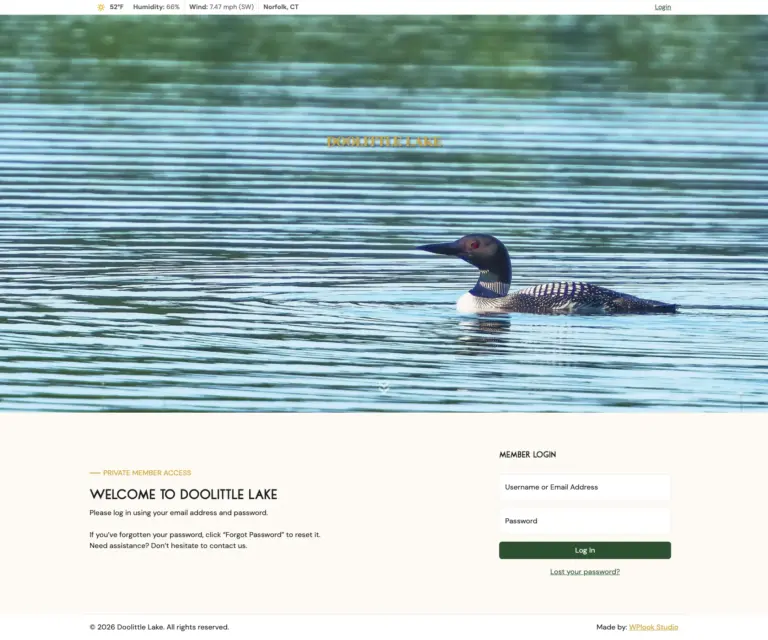
This site is a smaller example you can inspect. A custom theme whose pages are built from server-rendered Gutenberg blocks. Open the source of this page and look for the sections, cards and links, which PHP produced when you requested it.
Gutenberg block development, answered
Is this the same as Elementor or Divi?
No. The difference is where the markup lives. A page builder stores layout and markup in the database, so changing a component later means touching every page that used it, or running a script that rewrites saved content. Server-rendered blocks store settings and produce markup from code when the page is requested, so one correction applies everywhere, including pages published years ago. Page builders also send a large runtime to every visitor, while a block library sends only the markup the page needs.
What happens if we change themes later?
With server-rendered blocks, content survives the change because it was never stored as HTML. Block settings are structured data, so the same content can be rendered with new templates or a new design system. That is also what makes a future migration a planned job rather than an excavation.
Can editors still break the design?
Far less, and on purpose. Options are limited to the choices a designer approved, spacing and containers live in layout blocks rather than in per-page settings, and where page shape matters we lock templates and limit which blocks are allowed. Editors get real freedom in how components are arranged and very little in how each one looks. That balance is what keeps a large site coherent.
How many custom blocks does a site actually need?
Fewer than people expect, and the number comes from design decisions. A platform with directories, data pulled from another system and lead forms needs more than a brochure site. A library that keeps growing usually means the layout blocks were not composable enough.
Do you use full site editing and block themes?
Selectively. Block themes and theme.json are a real improvement for sites whose templates should be editable, and we use them there. For platforms with a strict design system, editorial governance and accessibility obligations, a classic theme with a custom block library gives tighter control over markup and over what editors can change. We decide project by project.
Do custom blocks slow the site down?
No, usually the reverse. A page builder sends a large JavaScript and CSS runtime to every visitor, whether the page uses it or not. A server-rendered block produces plain markup in PHP, so a page carries only what it needs and nothing is assembled in the browser. When a block queries content or fetches data from an outside service, we decide its caching when we build it.
Can you build custom blocks for the theme we already have?
Usually, and it is a good way to start. A block library is registered separately from the theme, so blocks can be added to an existing site and adopted page by page without a redesign. The limit is the theme itself. If its templates and stylesheet fight the markup the blocks produce, you end up styling around it, and rebuilding the theme becomes cheaper than patching it. We will tell you which case you are in after reading the code.
We have years of content in the classic editor. What happens to it?
It keeps working, and it can be converted. Classic content displays as it is, so nothing breaks the day the new library ships. Converting it into blocks is a scripted job, the kind of work our migration page covers, and it is usually done for the templates and page types that matter rather than the whole archive.
Other services we offer
- Website redesign and modernizationA new site that keeps its URLs and rankings
- Custom WordPress developmentContent models, blocks and plugins
- Enterprise WordPress developmentPlatforms with data in other systems
- WooCommerce and commerceStores and custom commerce
- Multisite and bilingual networksSeveral sites run as one platform
- API and system integrationsConnect WordPress to your CRM and tools
- Content and data migrationMove your content without losing traffic
- AccessibilityBuilt to WCAG 2.2 AA
- TYPO3 developmentNew sites, upgrades and support for TYPO3
- AI agents and automationRepetitive work taken off your team
- Maintenance and supportUpdates, security and new features