Government website development
Residents come to a public website to find a form, a bylaw, a closure notice or the right department, often in a hurry and on a phone. We build and look after WordPress and TYPO3 platforms for city halls, municipalities and public bodies that answer to the public, and to an evaluation grid.
- Built and tested to WCAG 2.2 AA
- English and French planned together, from the content model up
- Documents, search and forms your staff run themselves
- A written specification for procurement and IT review
Six things that shape a public-sector website
The tools are the ones we use for every client. These six constraints decide how a public-sector project is planned, from the first written questions to the years of support.
Many departments, one site
Each department publishes on its own schedule. The site needs roles, review steps and a structure that keeps one team’s news from burying another’s services.
Documents as much as pages
Bylaws, agendas, minutes, reports and forms arrive as files. They need dates, categories, versions and an archive that still makes sense in five years.
Obligations set by law
Accessibility, official languages and privacy law are fixed requirements. They decide how the content is structured as well as how the site looks.
Scored before it is built
The work is bought through a scored process. What a vendor will build, how it will prove it and how it will support it all earn or lose points.
Residents with a task
Most visits are to pay, report, register or find something. Navigation and search are judged by how quickly someone finishes.
Built to outlast the team
A public website stays in service for years and sees staff come and go. Documentation and training matter as much as the launch.
What a public-sector platform needs
Each of these is part of the content model, so it stays accurate after launch without anyone remembering to update a page by hand.
How a project runs, phase by phase- Navigation built around tasks. Organized around what residents are trying to do, and checked against real tasks before design starts.
- Document libraries and search. Categories, dates and status for every file, with search that puts the current version ahead of the archive.
- Forms and requests. Accessible forms that reach the right inbox or system, set up so routine changes need no developer.
- Alerts and notices. Closures and emergency information published quickly and shown across the site, with an end date so old notices come down.
- Service directories. Departments, facilities and contacts stored once, so one change updates every page that lists them.
- English and French. Both languages planned in the content model, with a language switch that lands on the same page. Bilingual platforms
- Connections to your systems. The site shows data from the systems you already run. Integrations
- Migration. Years of pages and documents moved with an inventory, a redirect for every old address and a final count before sign-off. Content migration
- Training and documentation. Editor training on the real site and written guides, so the platform survives the next reorganization.
WordPress or TYPO3, depending on who publishes
A town with one communications team and a city where forty departments publish need different tools. We have built on both since 2007 and recommend one in writing, with the reasons.
-
For a small team that publishes for everyone
Quick for a communications team to learn, with ready-made blocks for every page type. Suited to towns, agencies and public bodies where a few people keep the site current.
Custom WordPress development -
For many departments that publish on their own
Built for dozens or hundreds of editors, with permissions and approval steps that keep each department in its own section. Common in cities, universities and large public bodies.
TYPO3 development
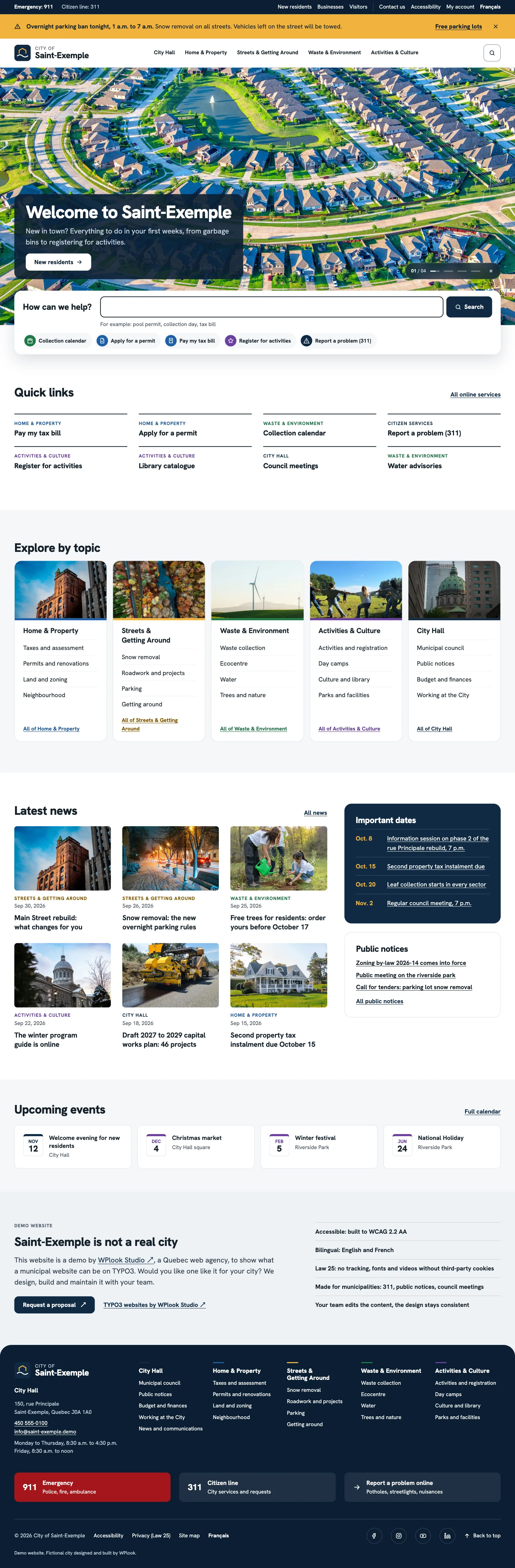
Saint-Exemple, a city website you can explore
Saint-Exemple is a demonstration city we built on TYPO3, in English and French. Click through it the way a resident, a council member or an evaluator would.
Visit Saint-Exemple (opens in a new tab)Residents Search, permits, collection calendar City hall Council, meetings, budget, by-laws Notices Public notices and calls for tenders Activities Registration, camps, parks, events Languages English and French Built on TYPO3
A municipal plugin, ready for a city on WordPress
For a city hall that publishes with WordPress, our municipal plugin adds the records a city keeps, as structured content staff fill in rather than pages they rebuild by hand.
One codebase serves every municipality. What differs from one city to the next is set in configuration, so each update reaches every site.
Every change to a record or to the setup is kept in an audit trail, with who made it and when. The plugin works in English and French.
Services      What residents can request or use
Documents     By-laws, agendas, minutes, reports
Places        Facilities, parks and offices
Alerts        Notices that expire on their own
Projects      Road work and capital works
Council       Meetings and members
Forms         Requests kept, with a notice to staff
Security      Two-factor sign-in, audit trail
-
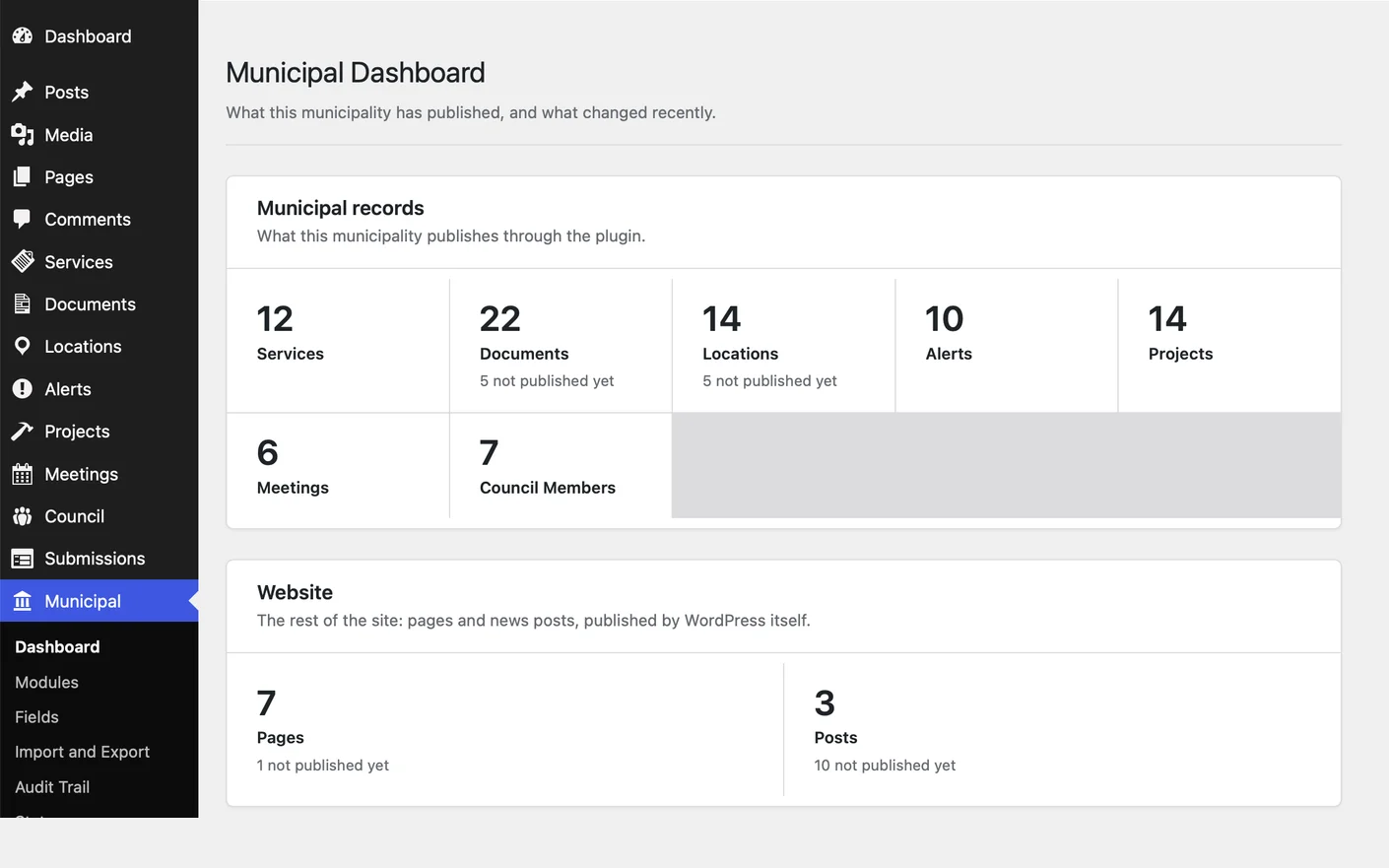
Municipal dashboard What the city has published, and what changed
-
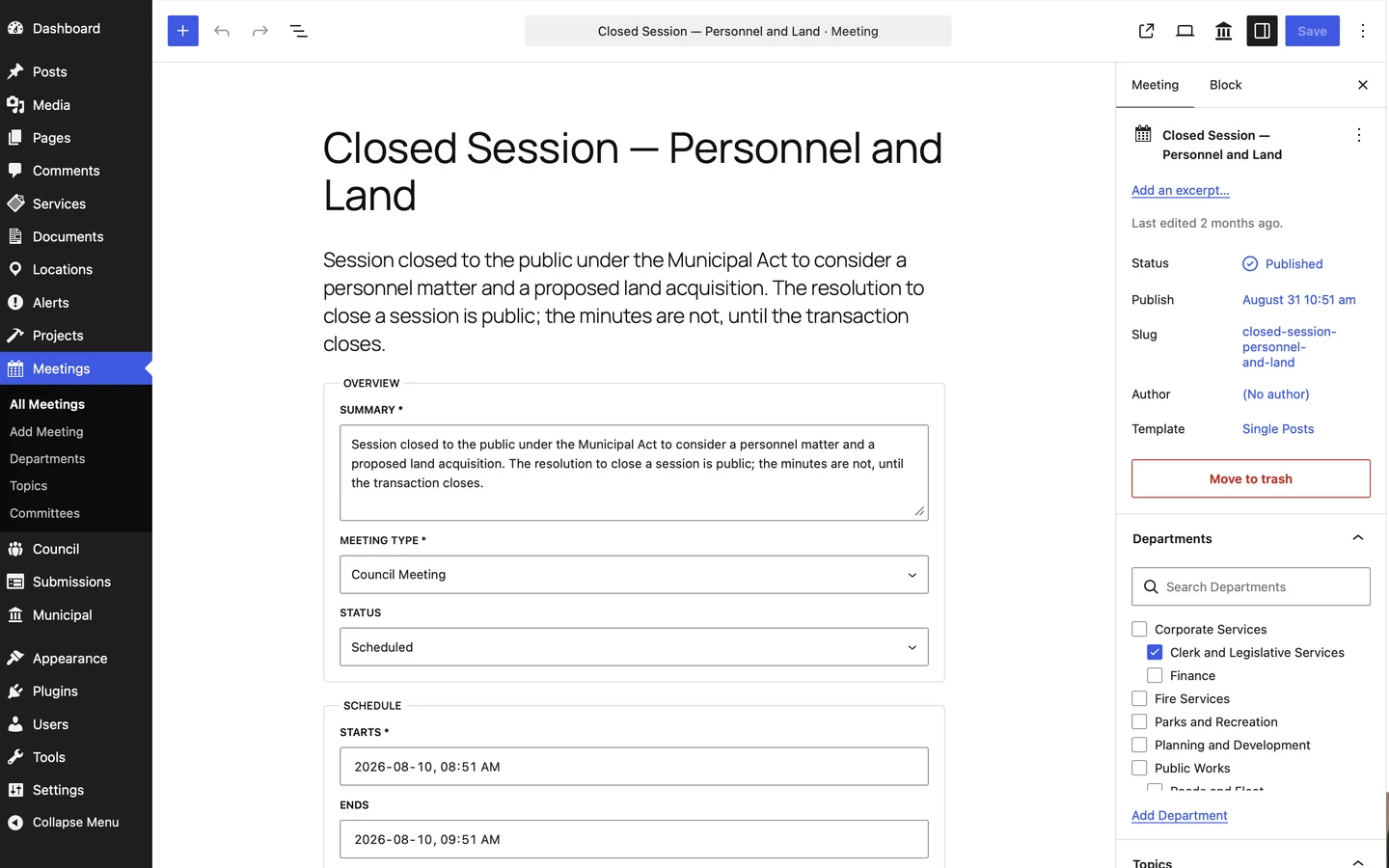
Council meetings Agenda, minutes, place and committee in one record
-
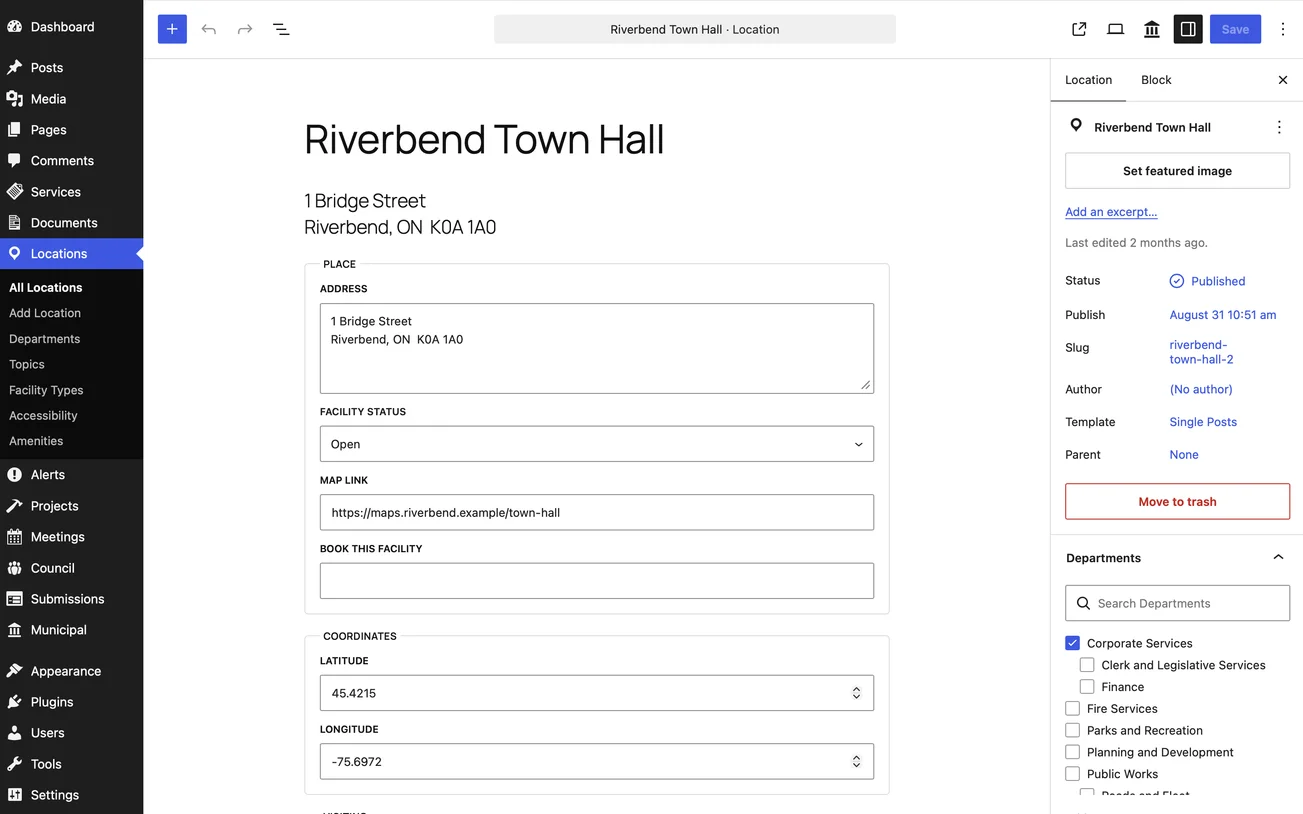
Places Hours, parking, transit and accessibility for each facility
-
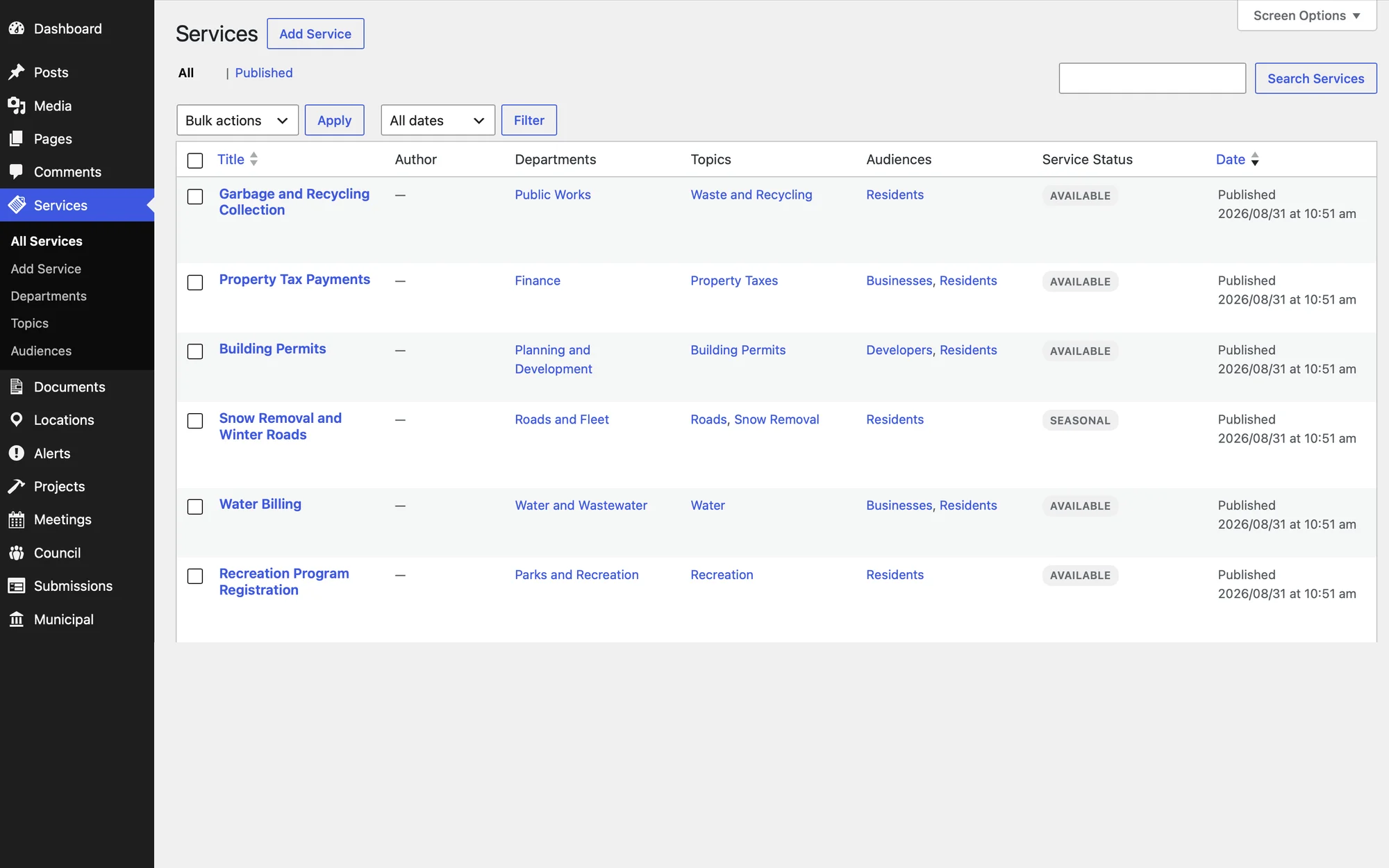
Services Each service with its department, topic and audience
Accessibility is scored, so we document it
Tenders name a standard: the Accessible Canada Act for federally regulated bodies, the AODA in Ontario, SGQRI 008 for Québec public bodies. Evaluators compare how each vendor will meet it and how it will be proven.
We build to WCAG 2.2 AA, which covers the web content requirements of all three. Keyboard and screen reader checks run during the build, and the editor is set up so that pages added later stay accessible without a developer.
Where a tender asks for an independent audit, that is a separate engagement with an auditor, and our response says so.
Accessible WordPress development- WCAG 2.2 AA as the default target
- Tested with keyboard and screen readers during the build
- Blocks that keep editors’ content accessible
- No overlay widgets
- The technical information an Accessibility Conformance Report needs, from what was built and tested
Built for a formal evaluation
Public-sector work is usually bought through a tender on CanadaBuys, SEAO, MERX or a provincial portal. We answer the requirements as written and price the work by phase.
Planning comes first and is quoted on its own, because it is what makes the rest possible to estimate. The build is then quoted against the written specification, which is also what your evaluators can hold us to.
Approach          What we would do first, and why
Specification     Pages, documents, forms, integrations
Accessibility     Standard, test method, evidence
Languages         English and French, how they stay in step
Security          Access, updates, hosting options
Price             By phase, line by line
After launch      Support, training, documentation
People            The lead and any specialist, named in advance
Preparing a tender or a redesign?
Send us the RFP or your requirements, however early. We reply in writing with how we would approach it, what it depends on and where the risk sits, before any quote.
Tell us about your projectRecent work
Projects with the same needs a public website has: secure documents, access by role, two languages and support after launch.
-
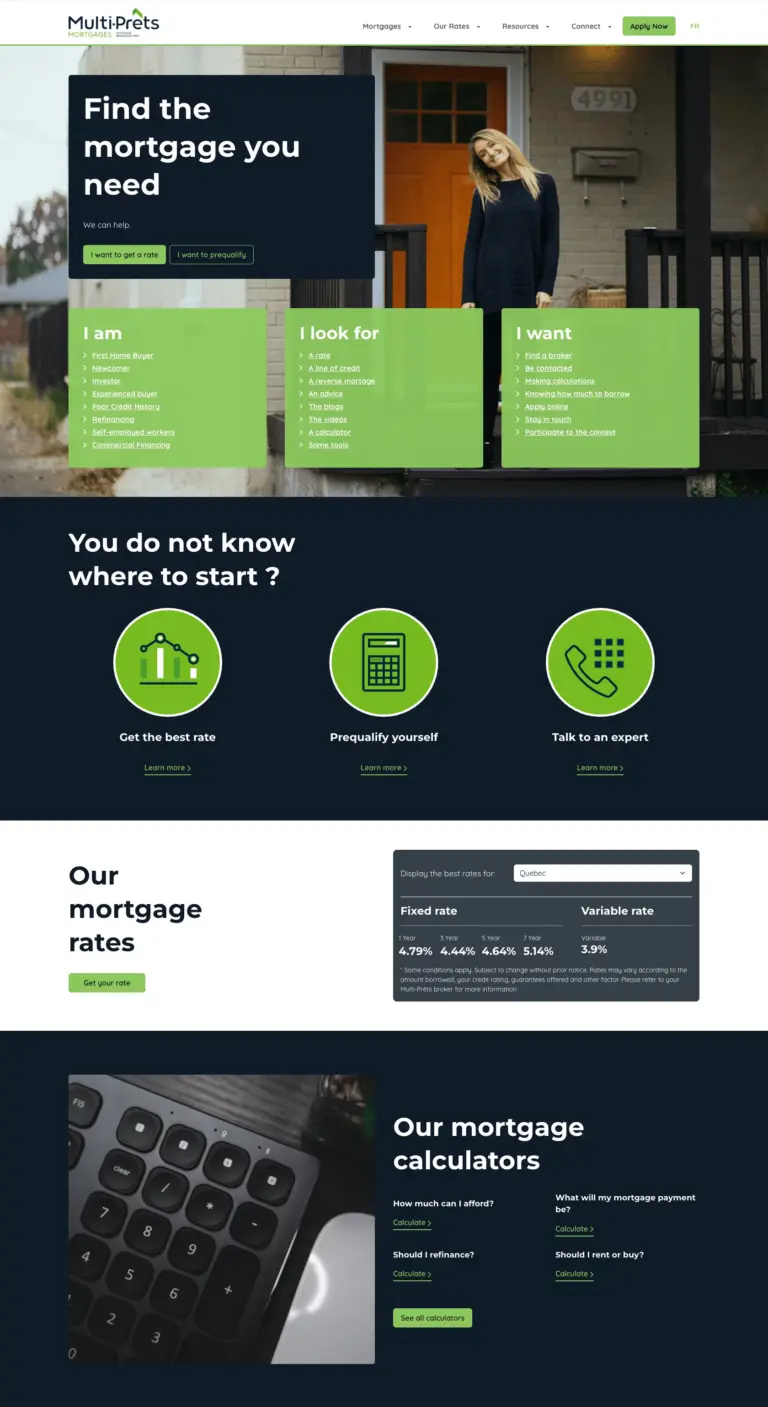
Taking over five mortgage brands from a US agency
The M3 Tech group’s five mortgage brands, taken over from a US agency at a lower cost, then developed for four years.
-
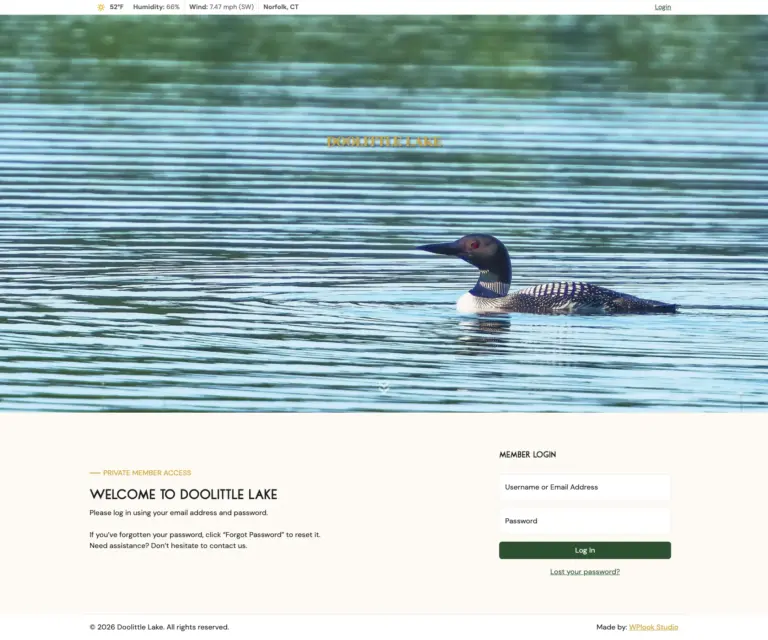
Private members portal for a lake club
Separate access for members and shareholders, secure document downloads, and navigation that follows each member’s role.
-
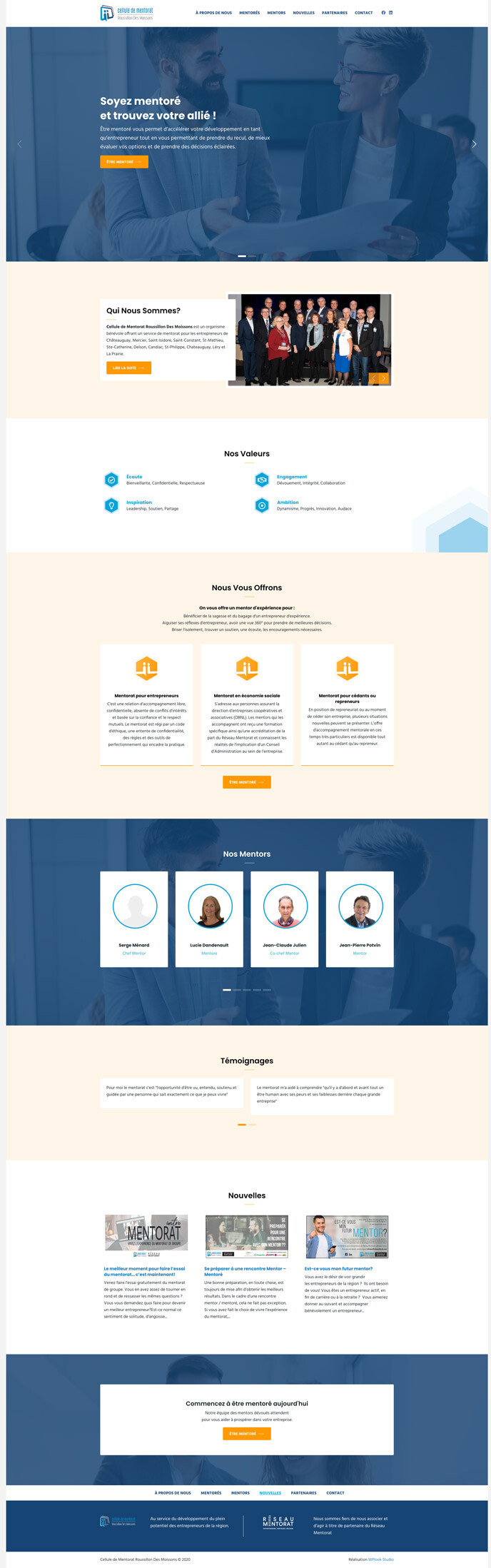
A site a volunteer team updates on its own
A mentoring program presented to entrepreneurs and mentors in 12 municipalities of the Roussillon region.
This site is a smaller example you can inspect. A bilingual English and French WordPress site built from custom server-rendered blocks, with its own REST endpoints behind the forms.
Written for public-sector teams
-
Strategy
How to Write a Website Redesign RFP
An RFP is a filter. Publish the budget, give the content and document volumes, separate mandatory from rated criteria, state the contract terms, and never request speculative design.
-
Strategy
How to Plan a Municipal Website Redesign
A municipal website is a service counter, not a brochure. Planning for council cycles, document volume, bilingual capacity and accessibility is most of the work.
-
Technology
What Canadian Public-Sector Accessibility Requirements Actually Ask For
Canada has a federal standard, an Ontario statute and a Quebec standard, and procurement cites all three imprecisely. Here is what each one asks for, and what evaluators expect to see.
Questions from public-sector buyers
Which accessibility standard do you build to?
WCAG 2.2 AA. We can prepare the technical information an Accessibility Conformance Report or a VPAT-style response needs, based on what was built and tested. Independent certification is a separate engagement with an auditor.
Is there a demo we can see?
Yes. Saint-Exemple is a demonstration city website built on TYPO3, in English and French. For a city on WordPress, we show our municipal plugin’s admin screens in a meeting, with sample content.
Can you deliver in English and French?
Yes. Addresses, the language switch and the editing workflow are planned when the content is modelled, so both languages stay in step after launch. You can write to us in either language.
Can you work within our IT and security requirements?
Yes. We supply hosting, access, update and security details in writing, and work inside your deployment and review process. If your IT group wants the code in its own repository or the site on its own servers, that is a normal arrangement.
What happens after launch?
The studio that built the site keeps looking after it: updates, security patches and new development. Sites on WPL Hosting are also backed up every six hours. Training and documentation are delivered before launch, so your team handles routine changes on its own.
Do we need to be near you?
No. The studio works remotely, by email and on a shared review site, so a project runs the same way in any city. Every decision is in writing, which also gives your evaluators and auditors a record.