WordPress API and system integrations
WordPress connected to the CRMs, member systems, payment platforms and data feeds you already run, so the website stays accurate and nobody keeps the same record in two places.
- Built against documented APIs, in code you own
- One authoritative source for each piece of data
- Caching, and a plan for when the other system is down
- Service accounts and tokens, never credentials in the database
WordPress API integrations we have built
This list comes from delivered work. The pattern carries over to other systems: if a system has a documented API, it can be integrated properly.
-
CRM and client platforms
Broker, office and franchise records and current mortgage rates, read from a client’s CRM, cached, and kept up to date on the public site without anyone typing them in again.
-
Payments
Stripe payment flows for custom commerce and subscriptions, with no general-purpose e-commerce plugin stack behind them.
-
Calendars
Google Calendar shown in a full calendar view for a members’ portal, with event details, links back to Google Calendar and ICS export.
-
Maps and location
Google Maps with geocoding for directories and location finders, loaded so it does not slow the page or block keyboard users.
-
External data feeds
Third-party data pulled on a schedule through WP-Cron and shown in the interface, such as weather conditions in a members’ portal.
-
Google Search Console API
Search Console read through a service account, so editors see each page’s search performance inside WordPress, alongside tag and consent management that analytics respects.
-
Custom REST endpoints
When another application needs to read or write, a custom namespace with authentication, validation and versioning, instead of exposing the default routes.
-
Document generation
PDF invoices generated from live order data when someone asks for them, instead of being kept by hand or assembled outside the platform.
One owner for every piece of data
Integrations usually fail through duplication. Data is copied into WordPress for speed, someone edits the copy, and within a year nobody can say which version is right.
- Which system owns each piece of data, decided and written down first
- WordPress caches and presents what it reads from that system
- Where WordPress owns the content, it writes outward on the same terms
- What happens when the other system is down, decided for each integration
Every external system will be down, slow, rate-limited or send something unexpected at some point. An integration that degrades predictably keeps the page useful when that happens.
Brokers, offices, franchises     The CRM, synced over an authenticated API
Mortgage rates                   CRM, shown in cached rate blocks
Form leads                       Sent from WordPress into the CRM
Manual resync                    Force-update control on each record
Broker search                    Google Maps with geocoding
Consent                          Didomi, and analytics follows it
Pages and blocks                 WordPress, edited by the team
Everything around the API request
Making the first request work is the easy part. These are the parts that keep an integration running years later.
Documented APIs over connector stacks
An off-the-shelf connector for each system grows into a dependency tangle and a security risk. We write against the published API, in code that can be read, tested and debugged.
Caching with a plan for clearing it
Decided for each type of data: what is cached, for how long, and what clears it. At Doolittle Lake Club, the weather widget sits behind a two-minute cache, so an outage at OpenWeatherMap cannot slow the page.
Failure you can see
Errors logged with enough context to diagnose, retries where retrying is safe, and a page that falls back to something sensible instead of an empty block.
Credentials handled correctly
Service accounts and token exchange, such as JWT authentication for a CRM sync. Secrets stay in configuration, out of the database and the repository, with the least access each connection needs.
Scheduled work with a record
Sync jobs with logs, run history and alerts. Doolittle Lake Club’s newsletters go out through WP-Cron in batches of 25, with throttling, send logs and duplicate prevention.
Documentation for the next developer
What connects to what, in which direction, how often, with which credentials, and what happens when it fails. Written down as part of the delivery.
Need WordPress to work with another system?
Tell us which systems are involved, which one owns the data, and what should happen when one of them is unavailable. Those three answers usually set the shape of the whole build.
Discuss your projectIntegrations we have shipped
-
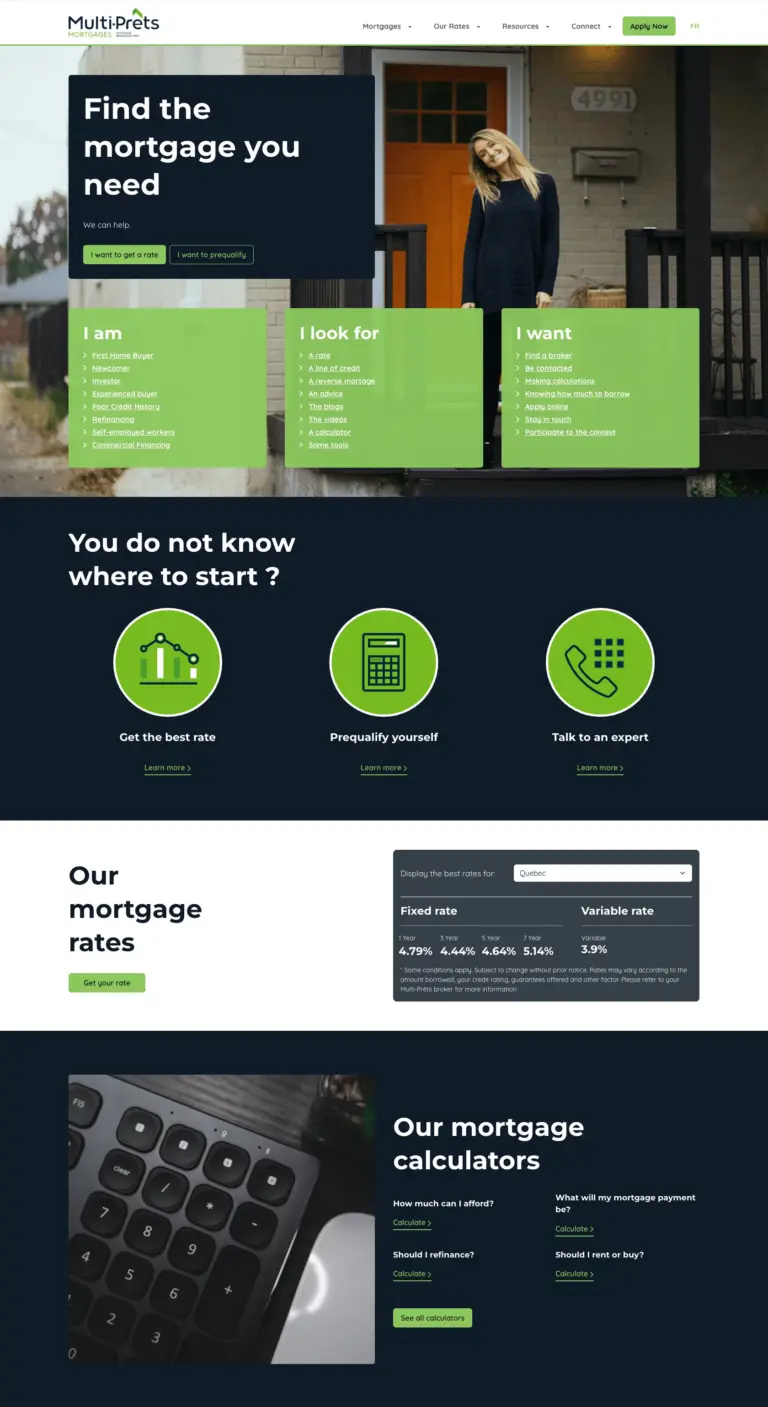
Taking over five mortgage brands from a US agency
The M3 Tech group’s five mortgage brands, taken over from a US agency at a lower cost, then developed for four years.
-
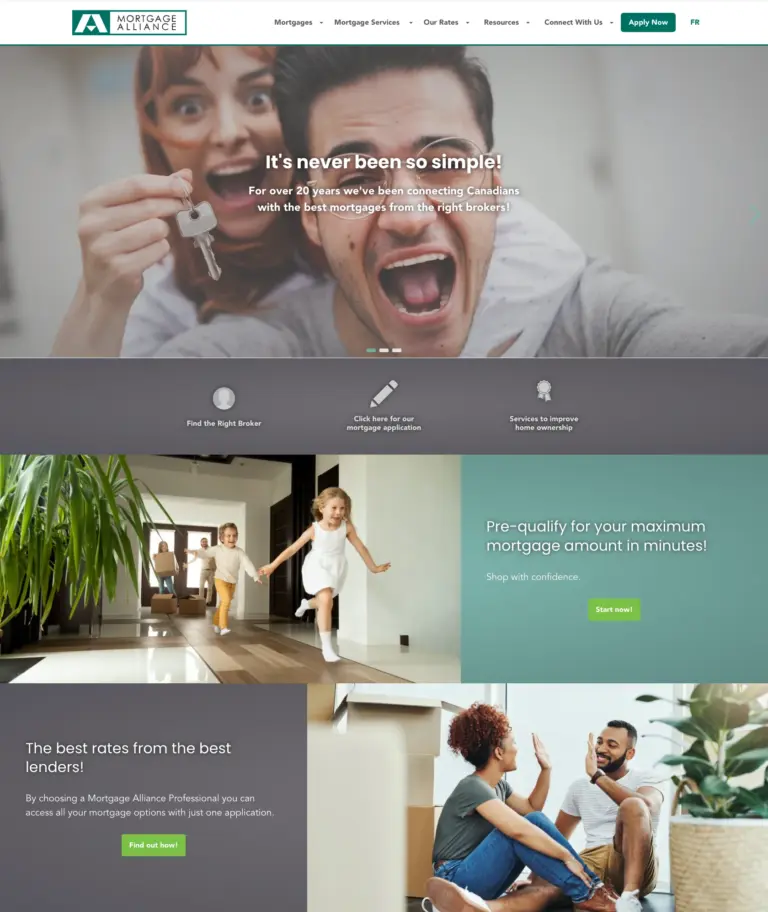
Enterprise platform for a national mortgage network
Broker search across Canada, brand blocks and bilingual SEO for Mortgage Alliance, one of the M3 Tech group’s five brands.
-
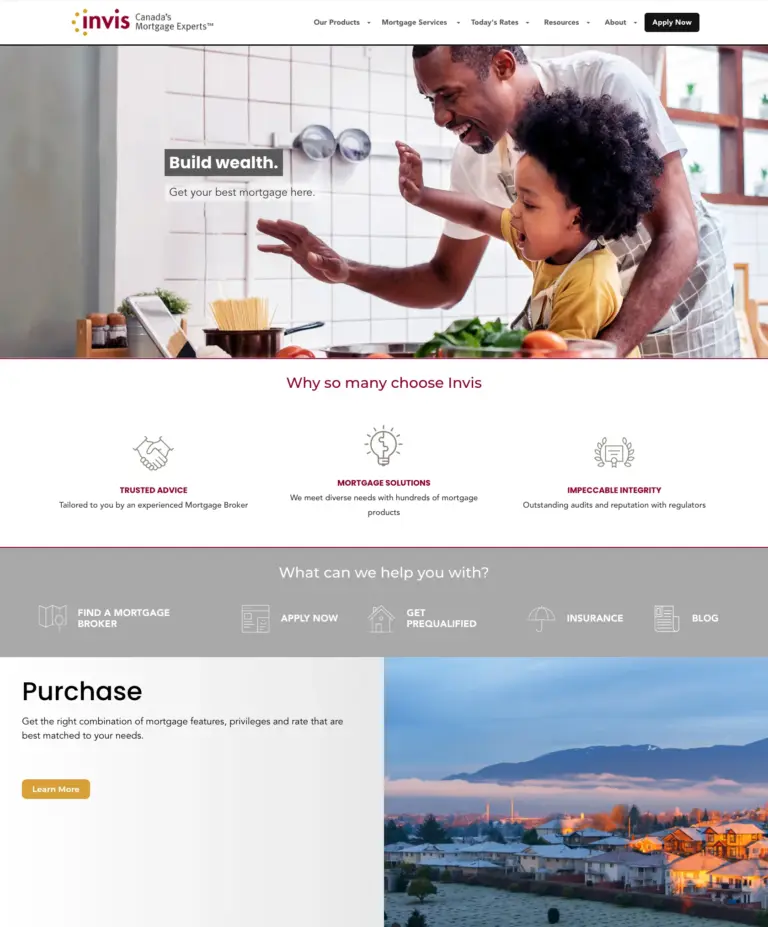
Broker search fed by the CRM for a national brokerage
A location finder and broker search that follow the group’s CRM, so Invis buyers find a broker near them.
-
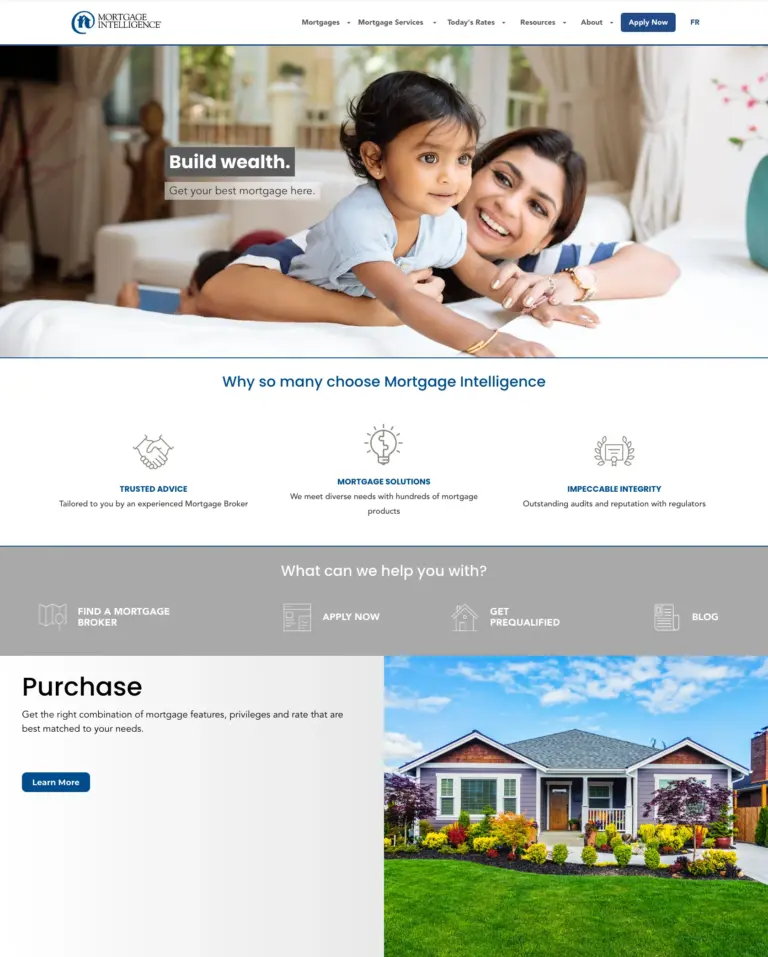
A national broker network and its French brand
Blocks with their own editing screens, a redesigned front end and 200+ translated strings for Mortgage Intelligence and its French brand.
-

A French-language mortgage brand for Québec
Mortgage terms in proper French, its own design and a French keyword strategy for Intelligence Hypothécaire.
-
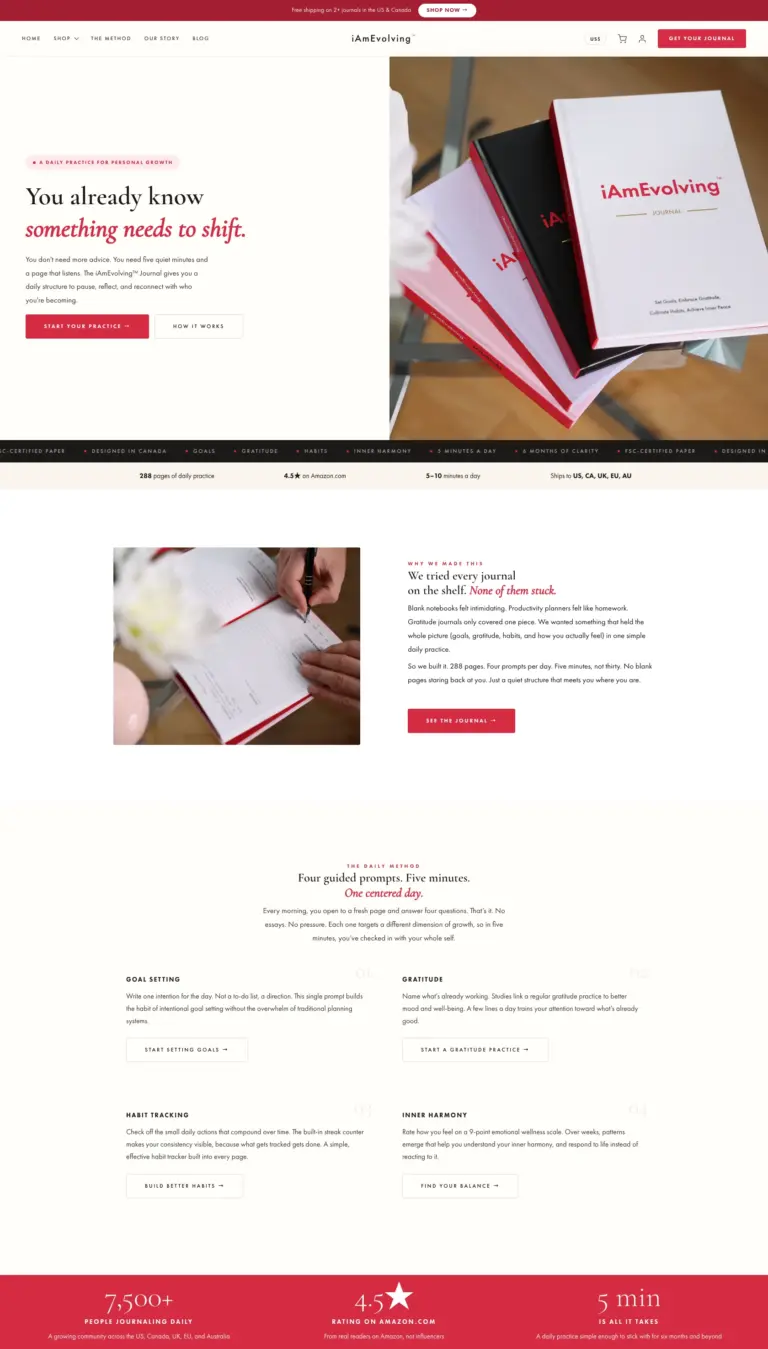
Custom platform with e-commerce and a newsletter
Its own shop, newsletter and course delivery, in a custom theme built without WooCommerce or a page builder.
This site reads the Search Console API too. Like the iAmEvolving® platform, it reads Google Search Console through a service account and shows editors each page’s search performance where they work. iAmEvolving® also runs Stripe PaymentIntents and Subscriptions in two currencies, generates its PDF invoices on request, and sends email through a cron-based queue.
WordPress integrations, answered
What if the system we need has no API?
We tell you before it becomes a line in a proposal. The realistic options are a scheduled file exchange, a database-level read where the other system allows it, or building the missing interface if its owner will cooperate. All three are more fragile than an API and cost more to maintain, and you should know that when the budget is set.
What happens when the other system goes down?
We plan for it, because it will happen. Cached data keeps serving, the failure is logged with enough context to diagnose, retries happen where retrying is safe, and the page falls back to something sensible instead of an error or a blank area. This is decided for each integration during the build.
Can WordPress write back into our CRM, or only read?
Both, where the other system’s API allows it. The bigger decision is ownership: which system is authoritative for each piece of data. We write that down at the start so WordPress never quietly becomes a second source of truth.
Do you use connector plugins or services like Zapier?
Rarely, and never as the backbone of a platform. A connector for each system adds up to dependencies nobody can follow, a recurring cost and a security risk. We write against the published API, in code that can be read, tested, logged and debugged, and that you own.
How are credentials handled?
Service accounts and token exchange rather than a person’s password, secrets in configuration rather than in the database or the repository, and access limited to what each connection needs. Every connection is documented: what talks to what, in which direction, how often and with which credentials.
How do we know a sync is still running?
Scheduled work is logged, with run history and alerts. The sync to guard against is the one that stopped quietly three weeks ago and was first noticed by a customer.
Can WordPress show our Google Search Console data?
Yes. This site and the iAmEvolving® platform read the Search Console API through a service account and show each page’s search performance to editors inside WordPress.
Other services we offer
- Website redesign and modernizationA new site that keeps its URLs and rankings
- Custom WordPress developmentContent models, blocks and plugins
- Enterprise WordPress developmentPlatforms with data in other systems
- WooCommerce and commerceStores and custom commerce
- Gutenberg block developmentBlocks editors use on their own
- Multisite and bilingual networksSeveral sites run as one platform
- Content and data migrationMove your content without losing traffic
- AccessibilityBuilt to WCAG 2.2 AA
- TYPO3 developmentNew sites, upgrades and support for TYPO3
- AI agents and automationRepetitive work taken off your team
- Maintenance and supportUpdates, security and new features